
Screenshot2Clipboard
Support
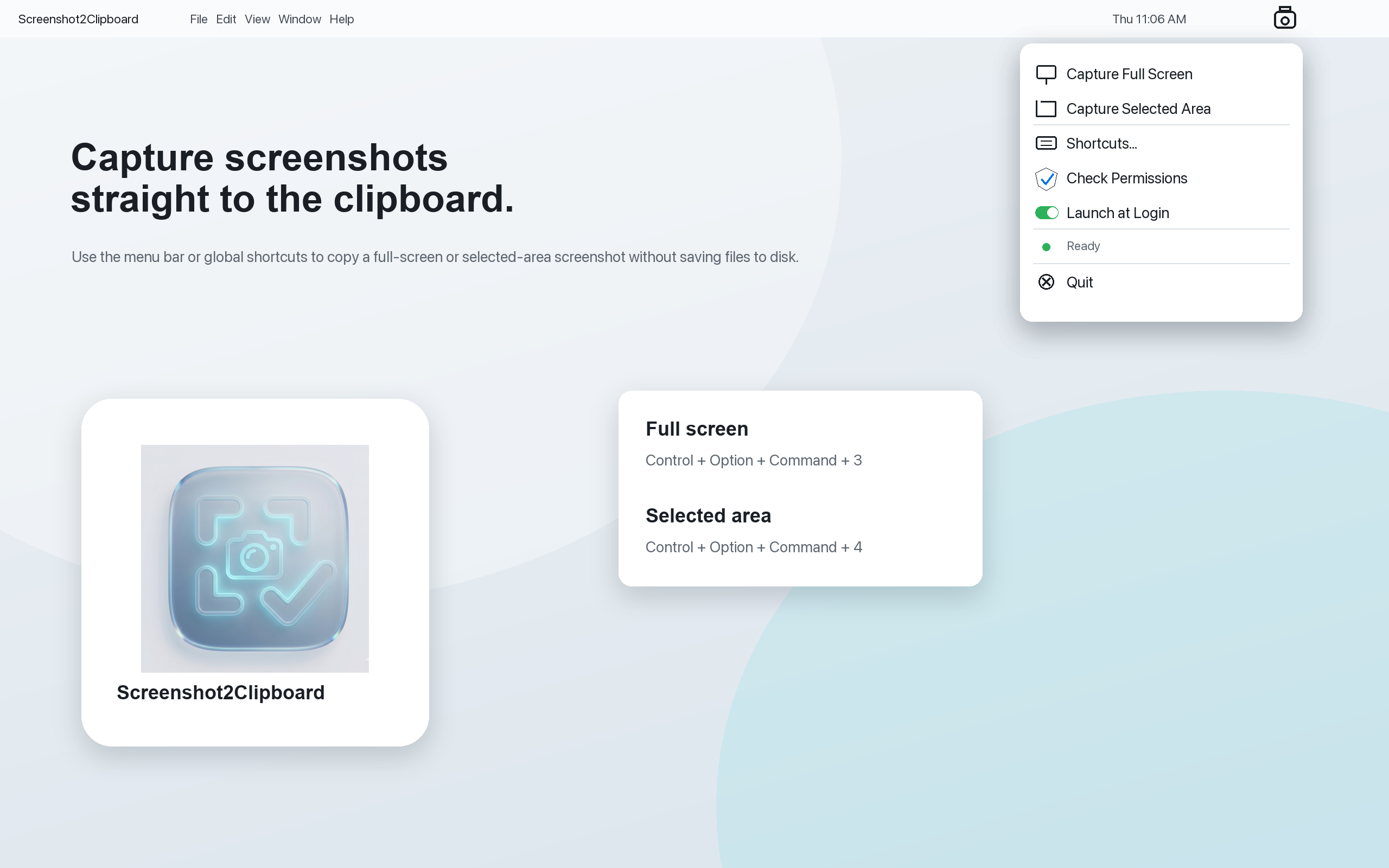
Screenshot2Clipboard is a macOS menu-bar app that captures screenshots directly to your clipboard.
Common Tasks
- Capture full screen: use the menu bar item or your configured full-screen shortcut.
- Capture selected area: use the menu bar item or your configured selected-area shortcut.
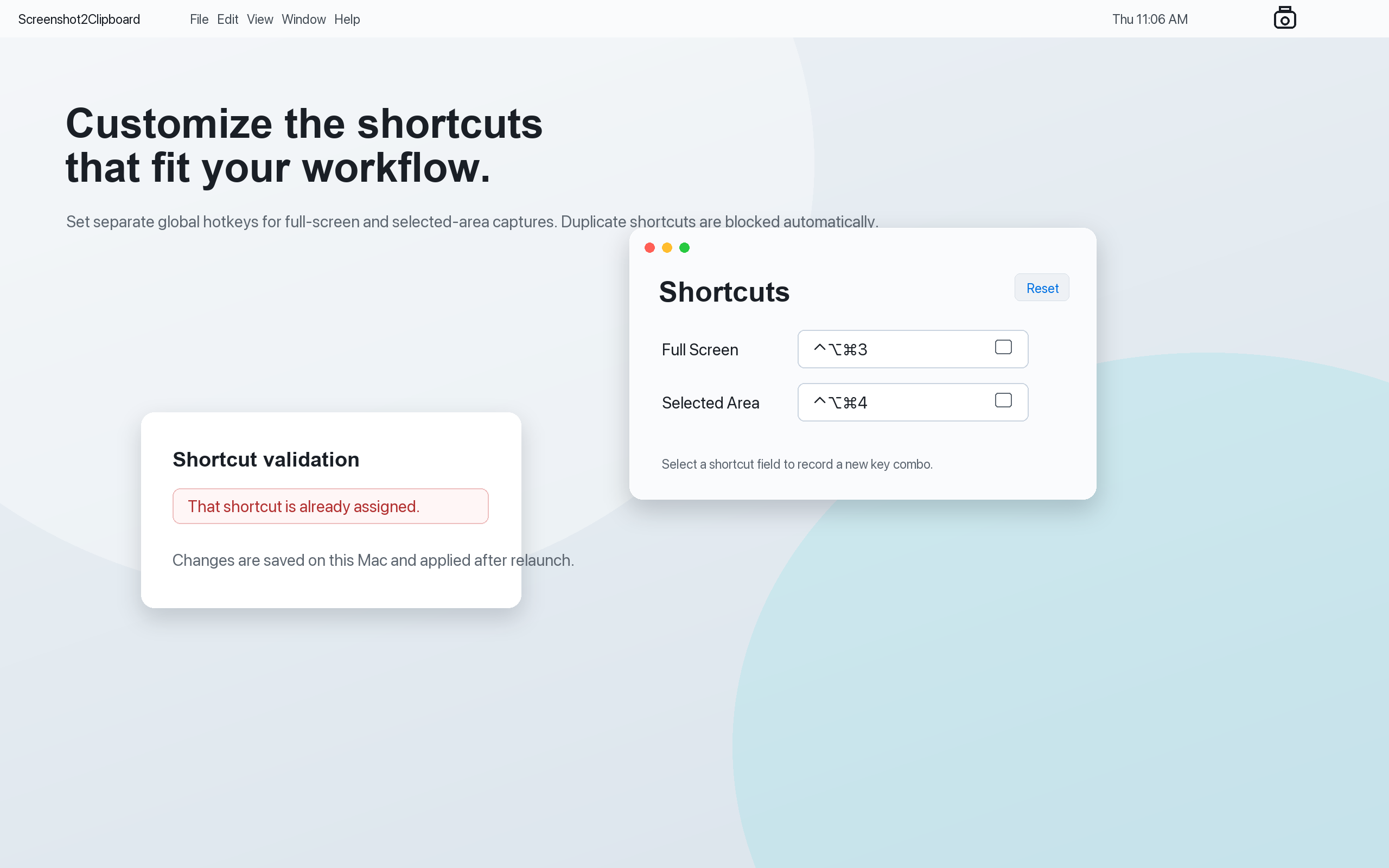
- Change shortcuts: open Shortcuts from the menu bar app.
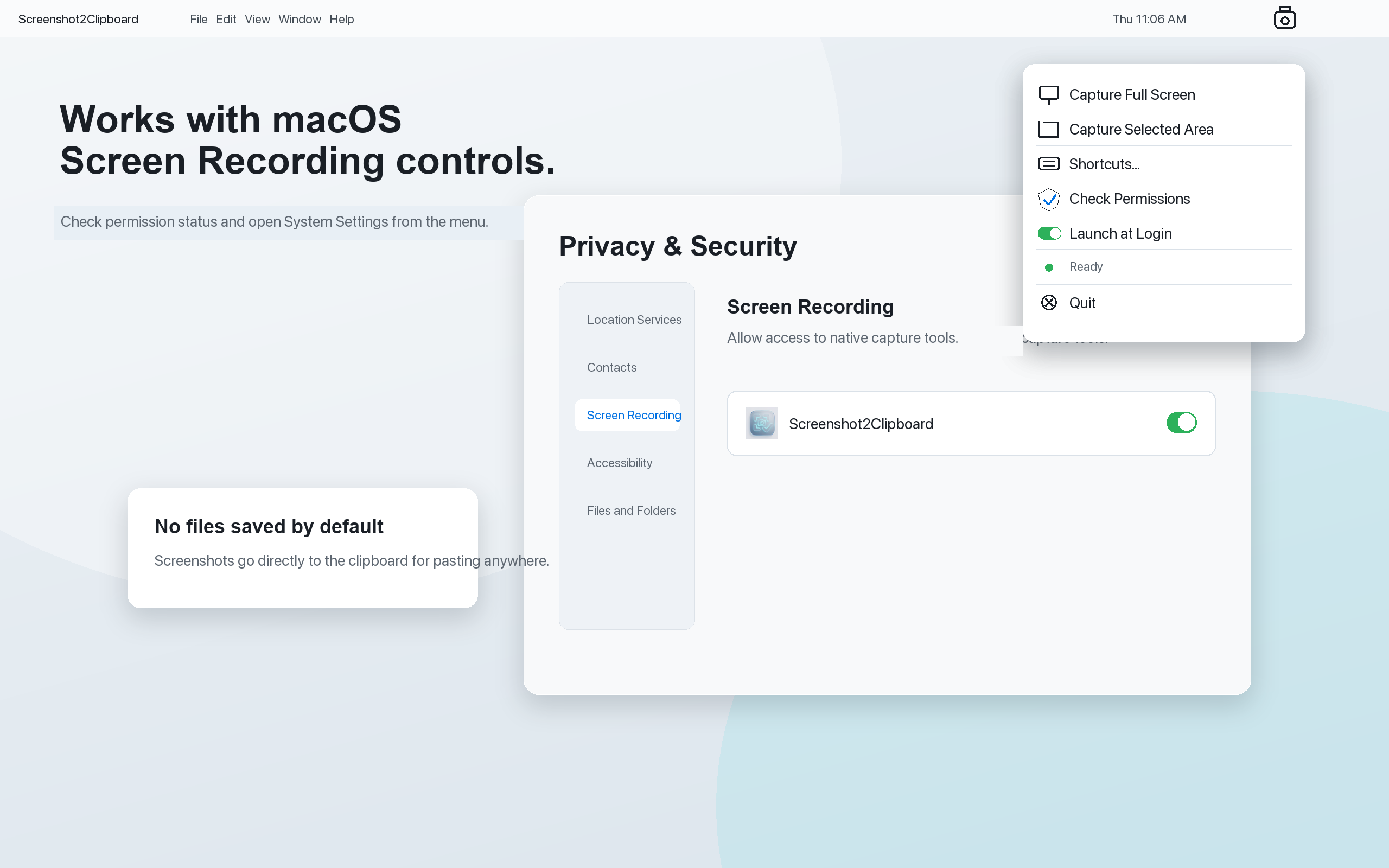
- Enable permissions: choose Check Permissions to open macOS Screen Recording settings.
Troubleshooting
If screenshots are not copied, confirm that Screen Recording permission is enabled for Screenshot2Clipboard in System Settings > Privacy & Security > Screen Recording.
If a selected-area capture is cancelled, press the shortcut again and select an area with the native macOS crosshair.
Contact
For support, email: saurav@xagi.in